Smart Home Devices for Seniors Aging in Place: What They Really Cost, the Privacy Trade-Offs, and How to Set Them Up Alone
Start here: what technology to help seniors live independently is actually for
I’ll be blunt. Most “smart home for seniors” articles are gadget lists. That’s not what decided anything for me.
What decided it was a Thursday in November. I got up at 3 a.m., misjudged the bedroom doorway, and went down hard against the dresser. I wasn’t badly hurt. I was on the floor for twenty minutes before I could get myself up and nobody in the world knew. That was the part that stuck with me.
The CDC reports that more than one in four adults aged 65 and older falls each year, and less than half tell their doctor. Those falls account for roughly 4.5 million emergency department visits annually (CDC: Facts About Older Adult Falls).
So I stopped shopping for gadgets and started asking a narrower question. Which three jobs do I actually want covered?
- Getting help when I can’t reach a phone.
- Seeing who’s at the door without opening it.
- Removing the small daily frictions — dark hallways, stiff locks, a thermostat I can’t read at night — that make an ordinary house more dangerous than it needs to be.
Everything I bought had to earn its place against one of those three. Several didn’t, and I sent them back. For the wider picture beyond hardware, see technology that helps seniors stay independent longer.
The three smart home devices for seniors I’d buy first, and what they cost
Prices move constantly — treat these as ranges and check current prices before ordering.
A voice assistant smart speaker
This is the one I’d buy again without hesitating. A speaker in the $30–$60 range does three things that matter when you live alone: hands-free calling (“call my daughter”), timers for medication and the oven, and lights you turn on with your voice instead of crossing a dark room.
No subscription, though it needs Wi-Fi and a phone or tablet for first-time setup. Shop smart speakers with voice control on Amazon.
A video doorbell
I stopped opening the door blind, and that changed how I feel about unexpected knocking. Budget $60–$200 for the hardware. The catch: saved video usually sits behind a cloud plan, typically $3–$10 a month. Some models keep clips on a local memory card instead — one less monthly fee. Compare video doorbell cameras on Amazon.
Motion-sensor night lights
The least glamorous item here and the one I use literally every night. A four-pack runs about $20–$35. The basic plug-in versions don’t need Wi-Fi at all, which means they keep working during an internet outage — a feature worth more than any app. See motion sensor night lights on Amazon.
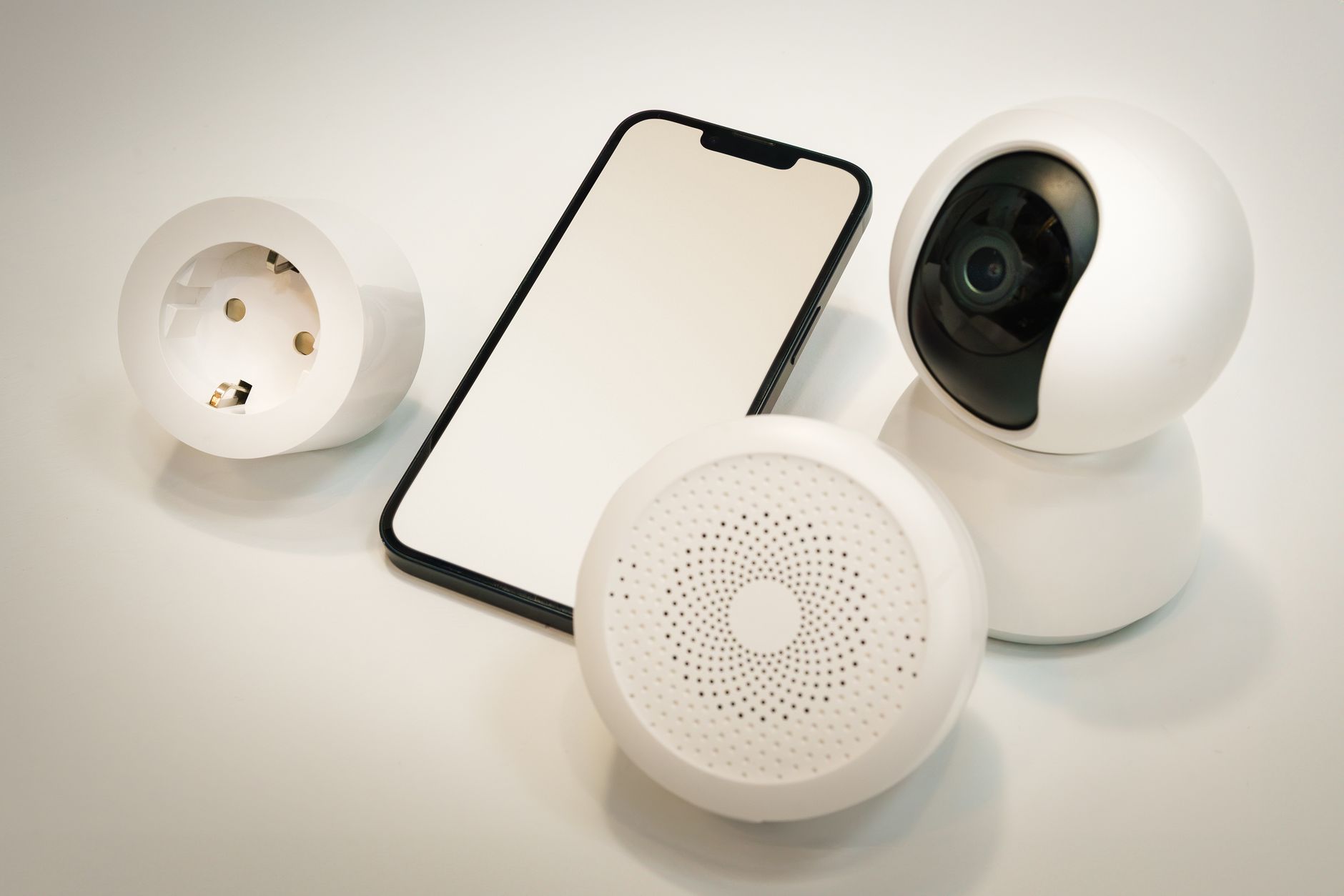
If you want a fourth, a smart plug turns any old lamp into a voice-controlled or scheduled lamp for roughly $10–$15 — no hub, no subscription. It’s the cheapest safety upgrade in the house.
As an Amazon Associate, I earn from qualifying purchases.
One honest caveat: I haven’t tested every new model myself, so I’m going by what owners report as much as my own use. A lot of owners mention setup as the hard part, not the hardware — which is why the section below exists.
The monthly bill nobody mentions before you buy
This is where people get surprised. The sticker price is not the price.
| Device | One-time cost | Typical monthly cost |
|---|---|---|
| Voice assistant speaker | $30–$60 | $0 |
| Smart plug | $10–$15 | $0 |
| Motion night lights (4-pack) | $20–$35 | $0 |
| Video doorbell | $60–$200 | $0–$10 (cloud storage) |
| Smart lock | $80–$250 | $0 |
| Professionally monitored system | $0–$300 | $25–$60 |
Add it up before you buy, not after. Three devices with three $6 subscriptions is $216 a year. On a fixed income that’s a decision, not a rounding error.
And watch the trial clock. A lot of cameras give you 30 days of free cloud clips and then quietly stop saving anything unless you pay. I got caught by that once and only noticed when I went looking for footage that wasn’t there.
I keep a longer list of what I kept and what I returned in Best Smart Home Devices for Seniors Aging in Place.
Cameras, voice assistants and smart locks: where I drew the privacy line
Here’s the thing the commercials skip. Every camera and microphone you bring into your house is a device that talks to somebody’s server.
The FTC’s guidance on securing internet-connected devices at home starts with the router, not the gadget: change the default admin username and password, use passwords you’ve never used anywhere else, turn on two-factor authentication where it’s offered, and switch off features you don’t use. For cameras they add two more: put cameras on a separate network from your computer, and check access logs for logins you don’t recognize (FTC: using IP cameras safely).
My rules, after living with this stuff a while:
- No camera points at a bedroom or a bathroom. Not negotiable for me.
- The one indoor camera I do have is plugged into a smart plug I can switch off with my voice when I want the house dark.
- The kitchen speaker’s microphone is muted when I have company over.
- I review and delete voice recordings a few times a year. It takes five minutes.
You don’t have to be this careful. But decide where your line is on purpose, not later.
Setting up smart home devices when you live alone
Six steps, one evening each. I tried to do four in an afternoon once; by the third I was ready to put the box back in the closet.
- Write your Wi-Fi password on paper and tape it inside a kitchen drawer. You’ll be asked for it constantly.
- Check that your router broadcasts 2.4 GHz. A lot of cheap sensors and plugs simply won’t join a 5 GHz-only network.
- Add one device. Use it for two days. Then add the next. If it annoys you in those two days, it will annoy you forever.
- Name everything by room. “Kitchen light,” not “Smart Plug 3.” Voice control falls apart otherwise.
- Unplug the router and walk around the house. Write down what still works. Those are your outage-proof devices, and they’re the ones that matter at 3 a.m.
- Give one trusted person shared access to the doorbell and camera apps. If something looks wrong, they can check from their own phone.
Practical tip: label the power adapters too.
A strip of masking tape and a marker on each plug — “doorbell,” “kitchen speaker” — saves you twenty minutes of crawling behind furniture the day you need to reset something, which you will.
Two things broke for me in the first year. A speaker that dropped off the network after a router firmware update, and a plug that refused to reconnect after a power cut. Both were fixed by deleting the device in the app and setting it up again. Annoying, not fatal.
Who should skip this entirely. I mean that. These aren’t for everybody. Skip the smart home route if you rent and can’t drill or mount anything, if you don’t own a smartphone or tablet — setup is close to impossible without one — or if the thought of updating firmware makes you want to throw the thing out the window. In those cases plug-in night lights, a wide-angle door viewer, and a scheduled call with a neighbor get you most of the benefit for about $40 and zero logins.
Questions I get asked most
Do smart home devices work without the internet?
Partly. Voice control and remote viewing stop dead. Motion-sensor night lights, lamps on a simple schedule, and anything with a local hub may keep going. Test it — pull the router plug and walk through your evening routine.
What happens when the power goes out?
Battery doorbells keep recording. Speakers, plugs and Wi-Fi-dependent lights go dark. If outages are common where you live, a small battery backup for the router is worth more than another gadget.
Is any of this worth it on a fixed income?
Yes — but start with the boring things. A $25 set of motion night lights and a $12 smart plug do more for everyday safety than a $250 camera. Add the camera later if you still want it.
If you’re comparing monitored systems and want current prices side by side, I keep an updated roundup at my smart home devices guide.
Some of the links on this page are partner links, and I may earn a commission if you purchase through them — at no extra cost to you.
Written by Robert C.
Robert is a retired engineer in Arizona who spent two years untangling his own Medicare choices and now helps friends at his senior center do the same.
This article reflects personal experience and research, not professional financial, legal, or medical advice. Product prices and subscription terms change often — confirm current details with the manufacturer before you buy.